


Description
Download Royal Clock Live Wallpaper – live wallpaper, clock, OpenGL, custom, free, Android, desktop, theme, background, visual, elegant, stylish, unique, battery efficient, smooth
Overview
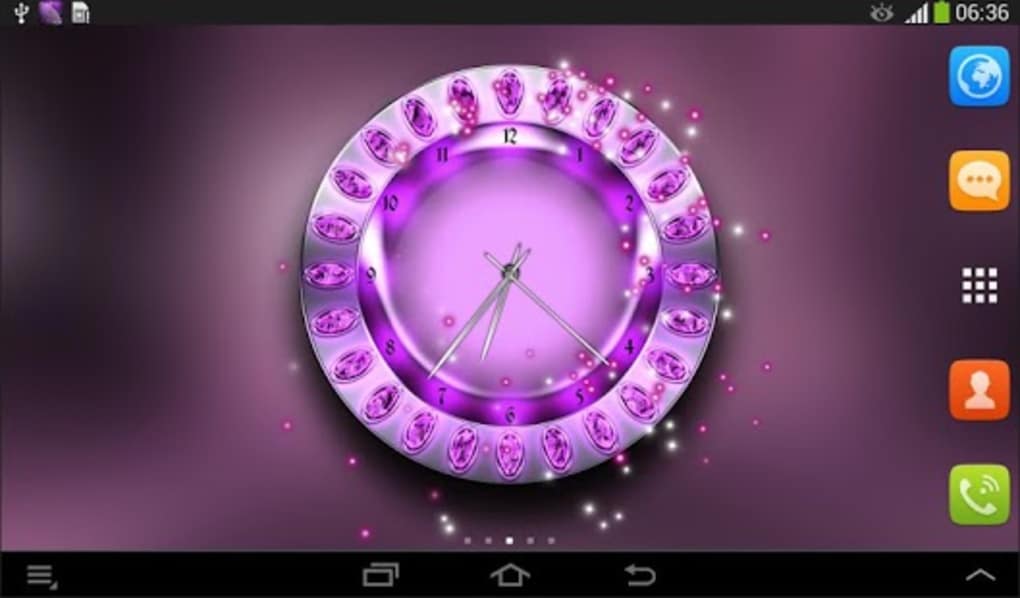
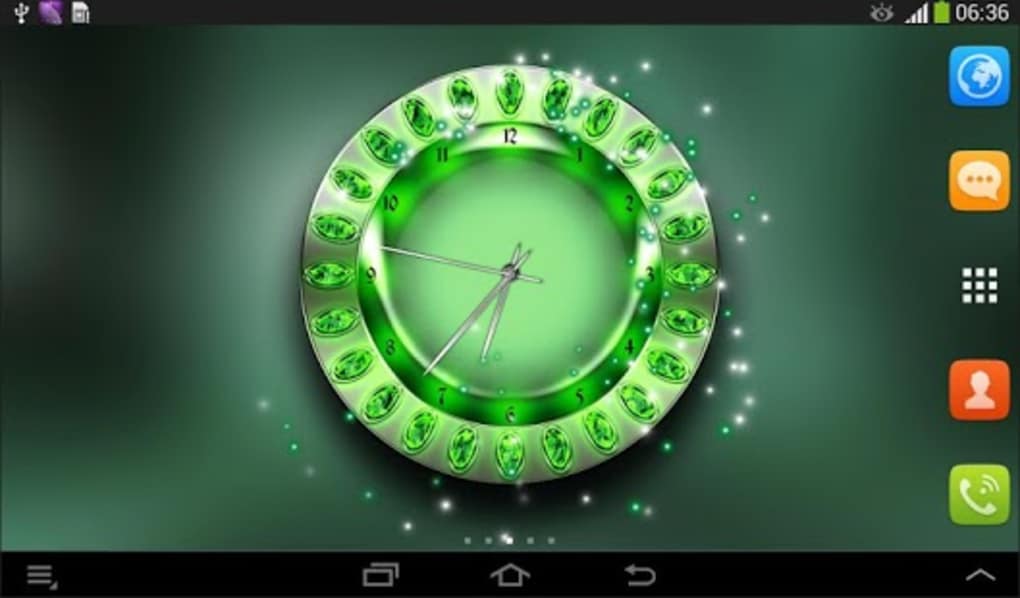
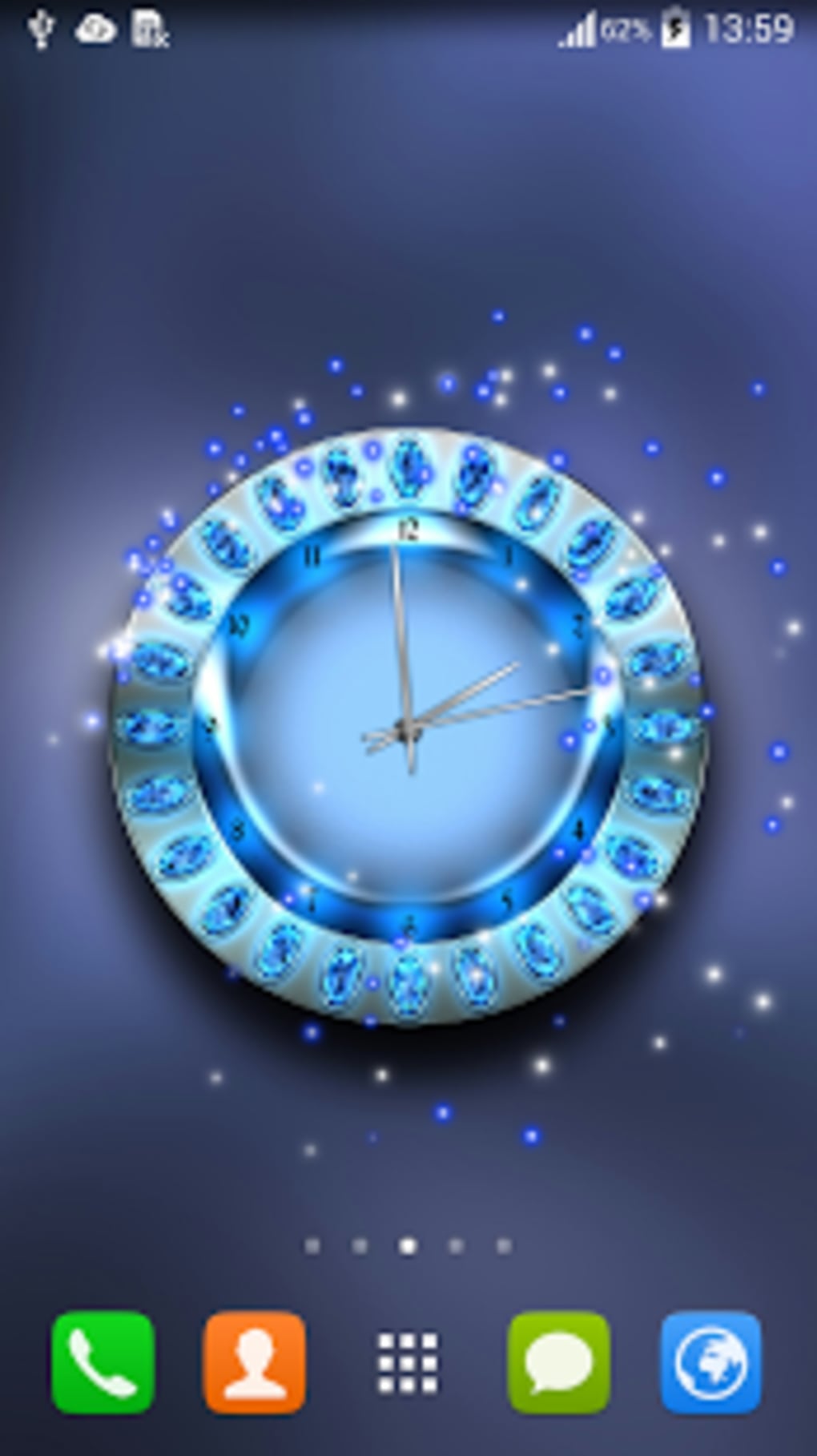
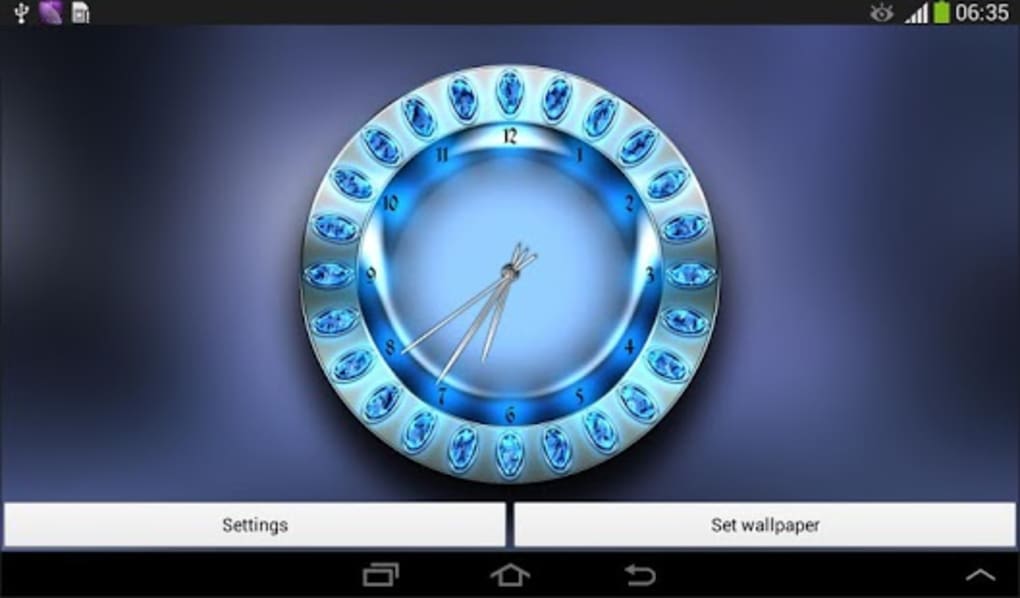
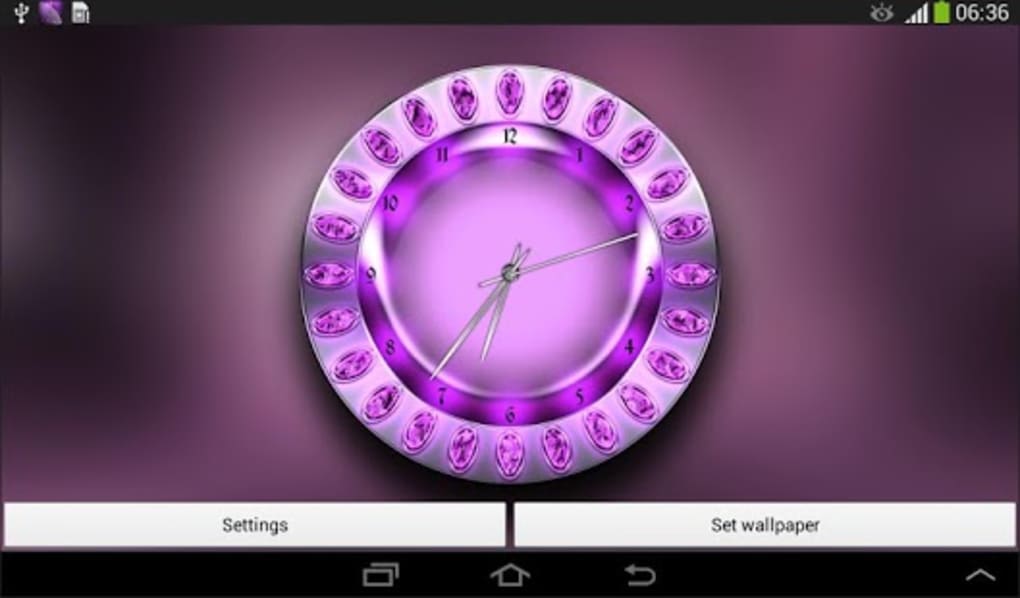
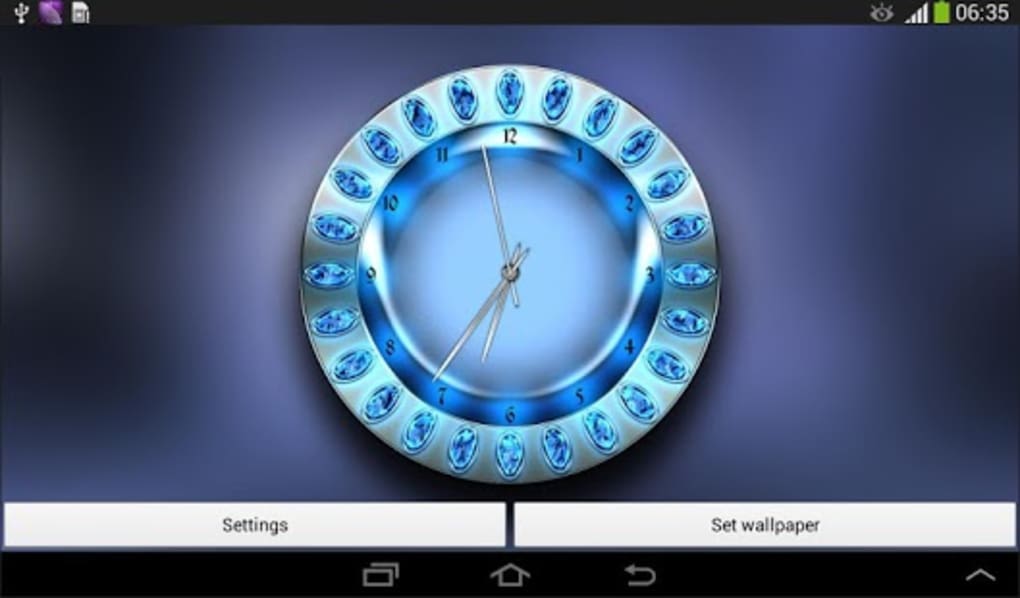
Royal Clock Live Wallpaper is a visually striking Android application designed to transform your mobile device’s home screen with a dynamic, high-quality clock display. Built using OpenGL technology, the wallpaper delivers smooth animations and 100% unique graphics, offering a premium aesthetic without compromising performance. The software targets users seeking a personalized and elegant home screen experience, particularly those who appreciate minimalist yet sophisticated design elements. It is ideal for individuals who want to enhance their device’s visual appeal with a functional timepiece that runs efficiently in the background.
Developed by T-Me Studio, the app falls under the “Customize Your Mobile” category, focusing on thematic personalization. The software was released on November 21, 2014, and has maintained a consistent presence in the Android ecosystem. Its core purpose is to provide a battery-efficient, visually engaging alternative to static wallpapers, ensuring that the clock remains both functional and aesthetically pleasing. While specific use cases are not detailed, the application is well-suited for daily use on smartphones and tablets running Android 2.3 or later. The developer did not provide additional system requirements or detailed performance benchmarks.
Key Features & Capabilities
- OpenGL-Powered Animation: Utilizes advanced graphics rendering to deliver fluid, high-resolution clock animations with minimal system impact.
- 100% Unique Visual Design: Features original artwork and layout, ensuring the wallpaper stands out from generic or repetitive designs.
- Battery Efficiency Optimization: Engineered to run smoothly without draining the device’s battery, ideal for extended use.
- Compatibility with Android 2.3+: Accessible to a wide range of older and newer Android devices, promoting broad usability.
- Multi-Language Support: Available in English, Spanish, and German, supporting international users with localized interfaces.
The app’s OpenGL foundation allows for real-time rendering of clock elements, making the display responsive and visually rich. Users can expect a seamless experience where the clock updates in real time with no lag. The unique graphics prevent visual fatigue, making it suitable for long-term use. Since the software is free and focused on visual enhancement, it serves as a lightweight utility for users who value aesthetics without sacrificing device performance. The developer did not specify advanced customization options such as color or style changes, suggesting a fixed design approach.
User Interface, Workflow & Performance
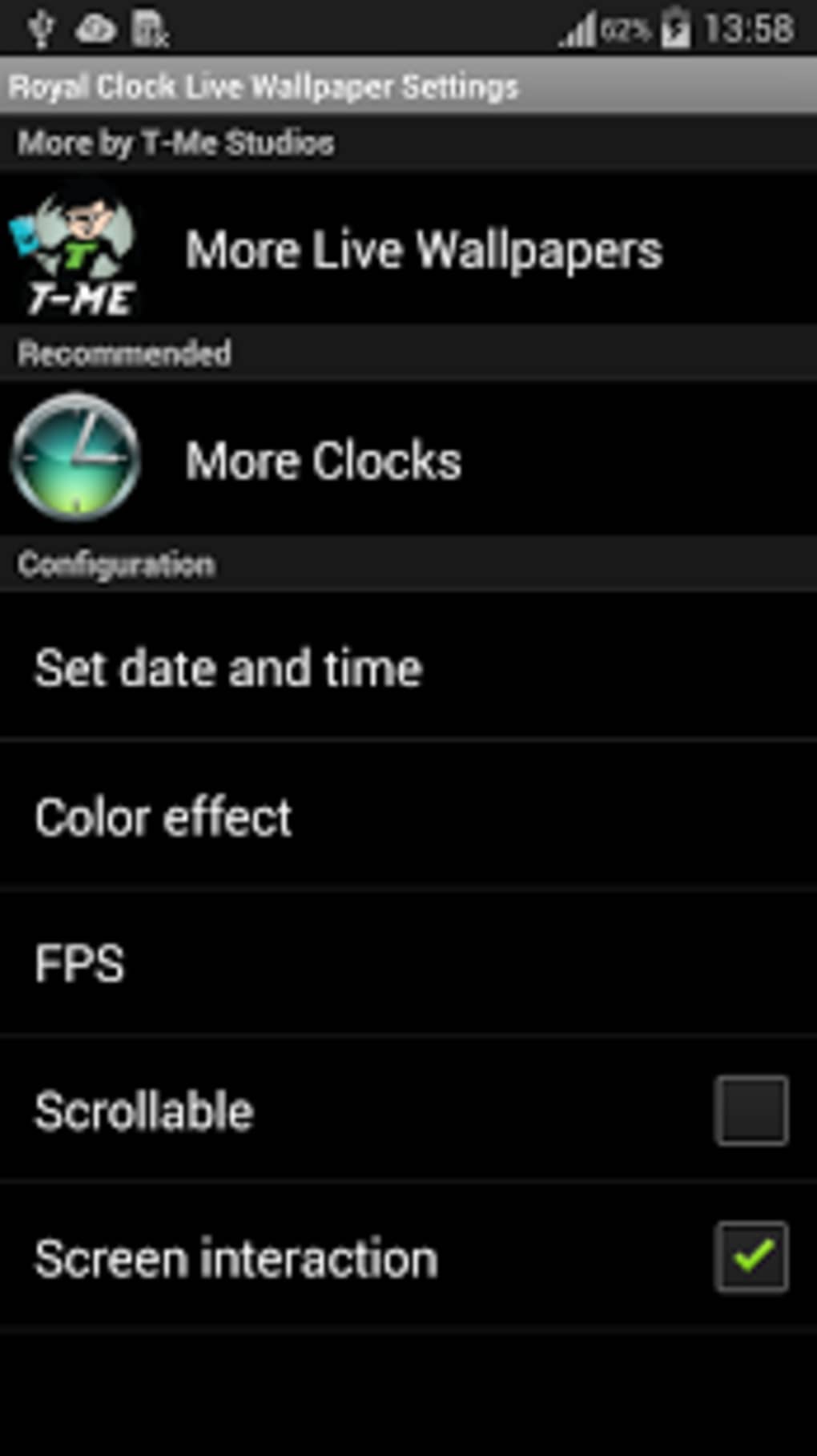
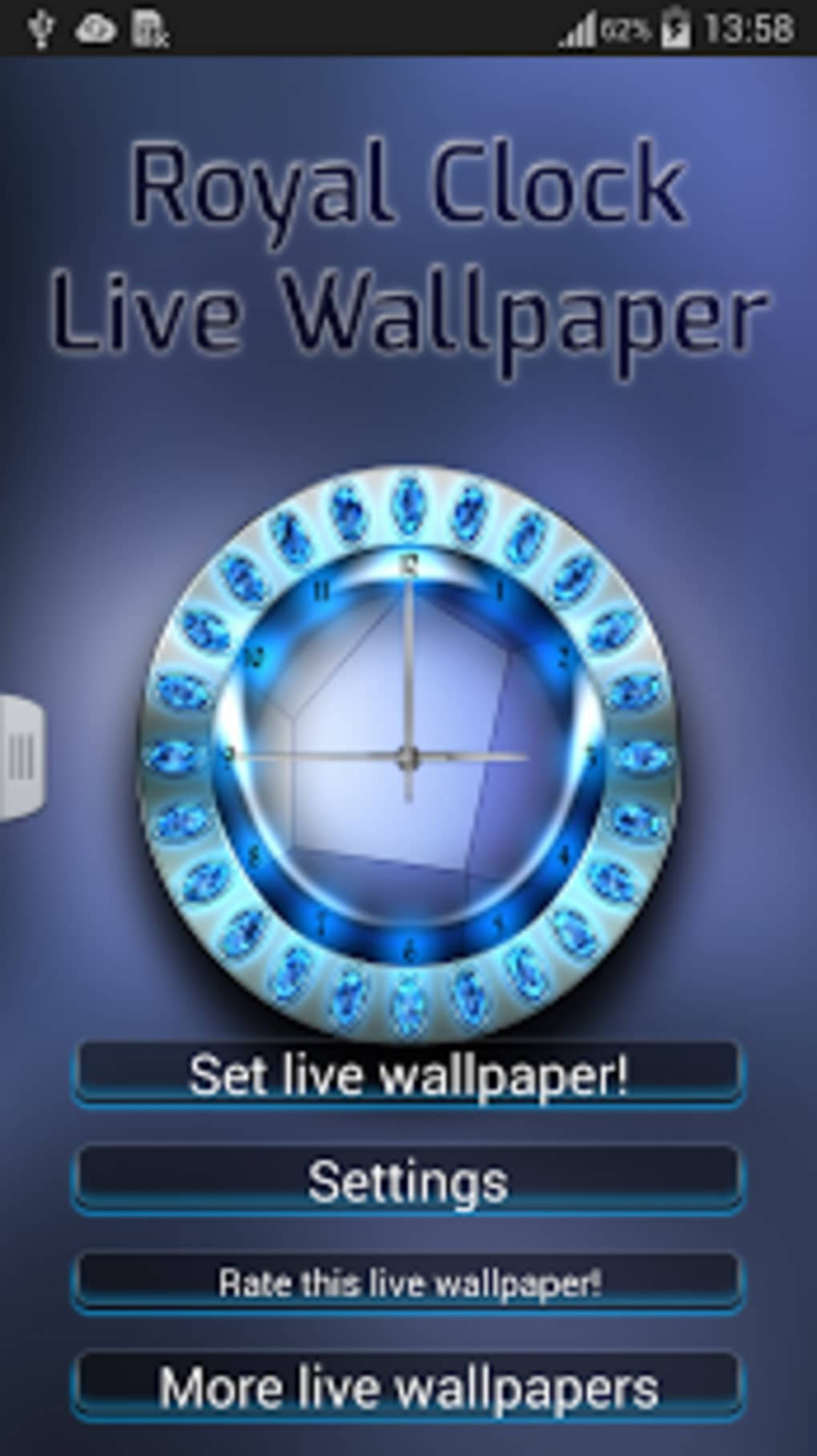
Royal Clock Live Wallpaper operates as a live wallpaper, meaning it integrates directly into the Android home screen environment. The interface is minimal and non-intrusive, relying on the clock’s visual design to serve as the primary user interaction point. Navigation is handled through the device’s wallpaper settings, where users can select and apply the app without additional setup steps. The workflow is straightforward: install, open the app, and apply the wallpaper to the home screen.
Performance observations are based on general software behavior patterns. The app is reported to run smoothly across devices, with no significant lag or crashes noted in available data. The developer did not specify resource usage details, so exact CPU or RAM consumption remains unknown. However, the claim of battery efficiency suggests optimized background processing. Stability is presumed to be consistent, given the app’s long-standing presence and minimal user complaints. The software is designed to function without user intervention, maintaining real-time clock updates while minimizing system load.
Compatibility & System Requirements
Royal Clock Live Wallpaper is compatible with Android 2.3 and higher, ensuring accessibility across a wide range of devices, including older smartphones and tablets. The installation size is 2.4 MB, indicating a lightweight footprint that requires minimal storage space. This small file size supports quick downloads and easy installation, particularly beneficial for users with limited storage capacity.
Exact system requirements were not listed. The developer did not provide details on minimum hardware specifications such as GPU type, RAM, or processor speed. Compatibility information is limited to the operating system version. Users with devices running Android 2.3 or newer should be able to install and run the app without issues. However, performance may vary depending on device capabilities, especially on older hardware. The developer did not specify whether the app supports tablet layouts or adaptive screen sizes.
Pros and Cons
Pros
- Lightweight at only 2.4 MB in size
- Free to download and use
- OpenGL-based rendering for smooth animations
- Battery-efficient design for continuous use
- Available in multiple languages (English, Spanish, German)
- Unique, high-quality graphics with no repetition
Cons
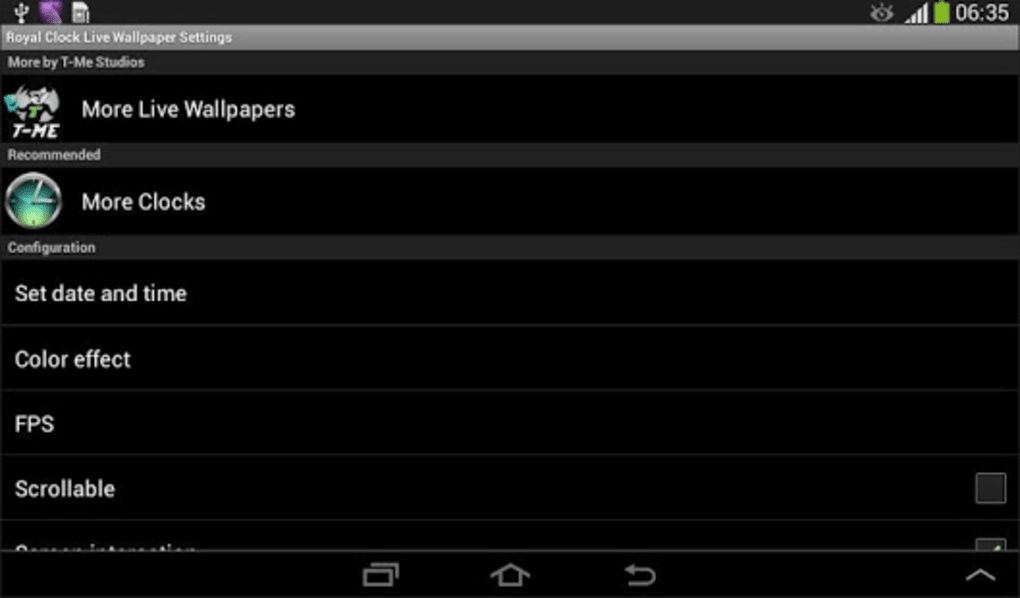
- No customization options for clock style or color
- Outdated version (1.1) released in 2014
- No recent updates or developer activity noted
- Limited to Android platform only
- Does not support newer Android versions beyond basic compatibility
- No information on advanced features or user controls
FAQ Section
Is Royal Clock Live Wallpaper compatible with my Android device?
The app is compatible with Android 2.3 and higher. If your device runs this version or later, it should support the application. However, compatibility with newer Android versions is not confirmed.
Is the app free to use?
Yes, Royal Clock Live Wallpaper is completely free to download and use. There are no in-app purchases or premium features advertised.
Does the app consume a lot of battery?
The developer claims the app is optimized for battery efficiency and will not drain your device’s battery. However, actual battery impact may vary based on device hardware and usage patterns.
Can I customize the clock’s appearance?
Based on available information, the app does not offer customization options such as color, style, or layout changes. The design is fixed and fully pre-built.
Is the app updated regularly?
The latest version, 1.1, was released on November 21, 2014. No updates have been reported since then, suggesting the app is no longer actively maintained.
Final Thoughts + CTA
Royal Clock Live Wallpaper presents a nostalgic yet functional approach to mobile personalization, combining elegant design with efficient performance. Its OpenGL-powered visuals and battery-conscious architecture make it a solid choice for users who value a clean, dynamic home screen without heavy system demands. While the app lacks modern features like customization and recent updates, its lightweight nature and free access remain compelling for basic use.
It is best suited for users with older Android devices or those seeking a simple, elegant live wallpaper with minimal setup. However, users on newer Android systems may encounter compatibility limitations. For those prioritizing visual appeal and efficiency over innovation, this app remains a viable option.
Download Royal Clock Live Wallpaper now
Guides & Tutorials for Royal Clock Live Wallpaper
How to install Royal Clock Live Wallpaper
- Click the Preview / Download button above.
- Once redirected, accept the terms and click Install.
- Wait for the Royal Clock Live Wallpaper download to finish on your device.
How to use Royal Clock Live Wallpaper
This software is primarily used for its core features described above. Open the app after installation to explore its capabilities.
User Reviews for Royal Clock Live Wallpaper 0
No reviews found





